The dates
OpenAI's schedule, as its retirement FAQ sets it out:
- 26 October 2026: new custom GPTs stopped being made in affected Enterprise workspaces, except FedRAMP workspaces. Ones already made still work.
- 11 December 2026: custom GPTs retire. OpenAI says to follow the notice for your account or workspace, as timing can differ.
- 11 February 2027: custom GPTs retire in FedRAMP workspaces and in Enterprise workspaces with an approved deferral.
Sources: OpenAI's retirement FAQ, OpenAI's guide to moving custom GPTs and Virtualization Review, 28 September 2026. Checked 27 October 2026.
What moves where
- Instructions become the skill's steps, in its SKILL.md file.
- Knowledge files become files in the skill that your AI reads when the job needs them.
- Conversation starters don't carry across one to one in OpenAI's own move. Trilly's converter keeps them.
- Actions don't move: each needs a connector (an MCP server) rebuilt for it. OpenAI says the same.
- Tools like web search or making pictures aren't in every AI app, so the skill should say what to do without them.
Move it with Trilly
- In ChatGPT, go to My GPTs and open the GPT's editor. Copy its name, description, instructions and conversation starters, and note its knowledge files and actions.
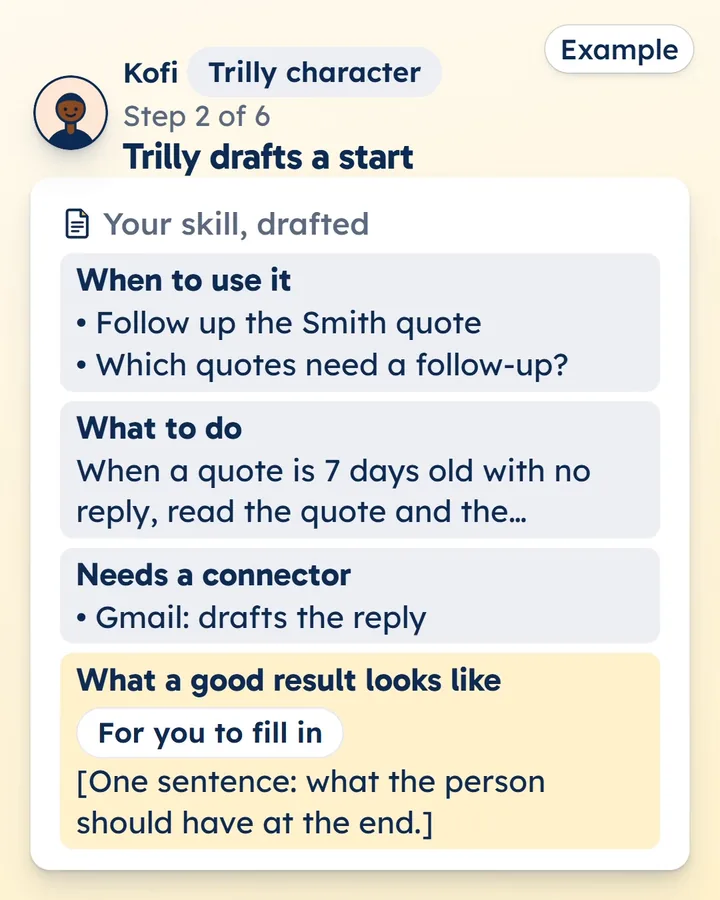
- Paste them into Trilly's converter. It drafts the skill from a template: no AI reads what you paste, and nothing is kept.
- Replace the lines in square brackets, and paste each knowledge file's text into its file under references/. Fix anything the checks point out.
- Download the .zip. Add it to Trilly to keep it private for your team or to publish it, or add it to your AI yourself.
Turn your custom GPT into a skill
Add it to your AI
The skill is ready to add to Claude, ChatGPT and Gemini, with steps for each: Claude, ChatGPT and Gemini. Try it in each app before you rely on it there.
OpenAI's own way
OpenAI has its own button: in My GPTs, under Created by me, choose Migrate to plugin. It makes a ChatGPT plugin, which starts private. Moving it with Trilly gives you one skill folder you can add to Claude, ChatGPT and Gemini. Add it to Trilly and it's checked before it's listed, then kept private for your team or listed for everyone.