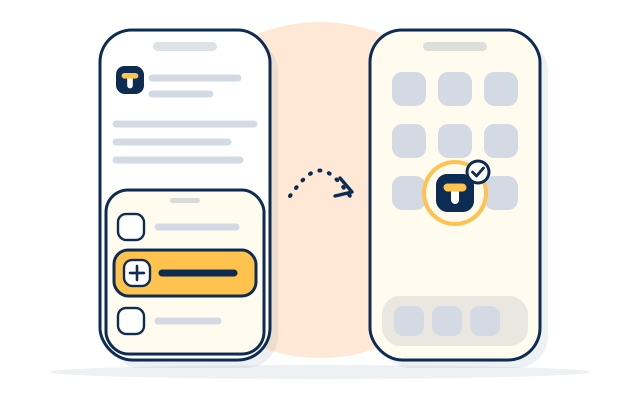
On iPhone
Open Trilly in SafariGo to trilly.io.
Press ShareThe square with an arrow.
Choose Add to Home ScreenThen Add.
On Android
Open Trilly in ChromeGo to trilly.io.
Press the menuThe three dots.
Choose Install appOr Add to Home screen.
What it does
Its own iconIt opens full screen, with no browser bars.
Needs the internetWith no connection it shows one short page saying so.
No push notificationsYour bell and your emails work as they do on the site.
Questions people ask
Is it in the App Store or Google Play?
No. It's the Trilly website with an icon on your home screen, so there's nothing to download from a store.
Does it cost anything?
No. It's free, and so is a Trilly account.
How do I take it off?
Press and hold its icon, then choose to remove it. Your account and your skills stay on Trilly.